
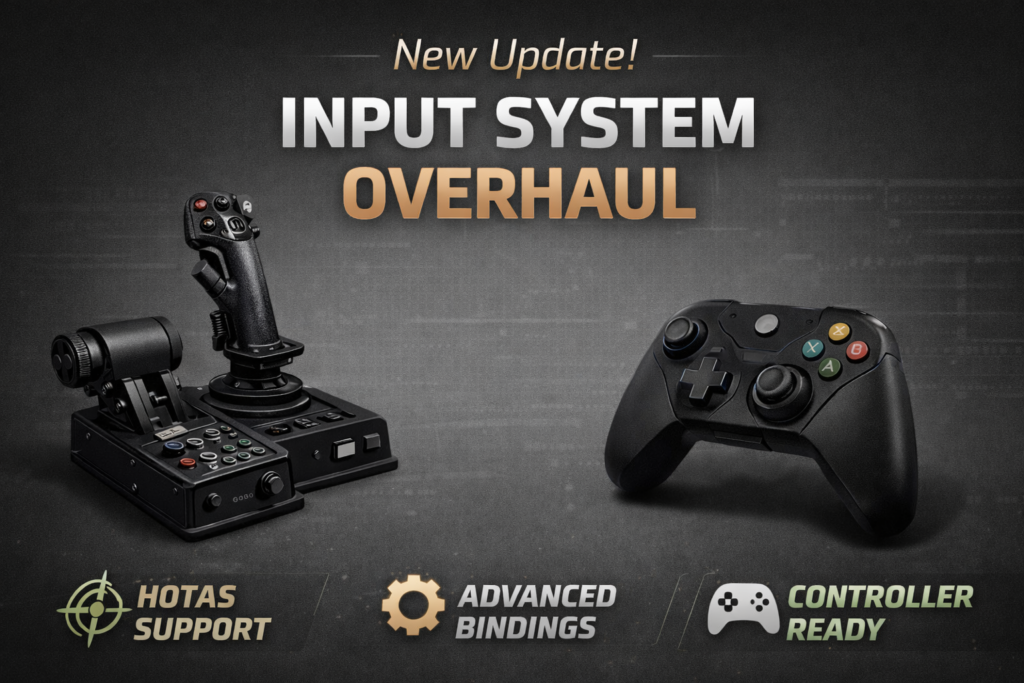
The entire Input System has been completely rewritten from the ground up. I moved away from Unreal’s built-in RawInput system and switched fully to JoystickPlugin. This gives us much broader hardware compatibility and significantly deeper customization options.
This was a massive task. I iterated on the architecture multiple times to get it right. It took a lot of time and effort, but it was necessary to deliver the level of precision and flexibility that a flight experience requires.
New Configuration Manual
Because the new system is quite powerful (Analog-as-Digital mode, Response Curves, Modifiers, etc.), I’ve written a detailed User Manual. You can find the link directly inside the game’s Control Settings menu. https://fps2.frontierpilot.net/settings-controls/
I Need Your Help
I definitely don’t own every joystick and throttle model out there 😅
So if you configure your device and everything works perfectly, please consider sharing your profile with the community!
Here’s how:
- Set up your controls
- Grab the .json file from: %AppData%\Razar\FPS2\Joysticks
- Discord: Simply drag and drop your .json file into our community Discord channel.
- GitHub: If you have a GitHub account, you can simply open a new Issue on our repository and attach your file there.
Your shared profiles will help other players enjoy a true “Plug & Play” experience in future updates.
Thank you all for your patience while I wrestled with this system. I’m really looking forward to your feedback.